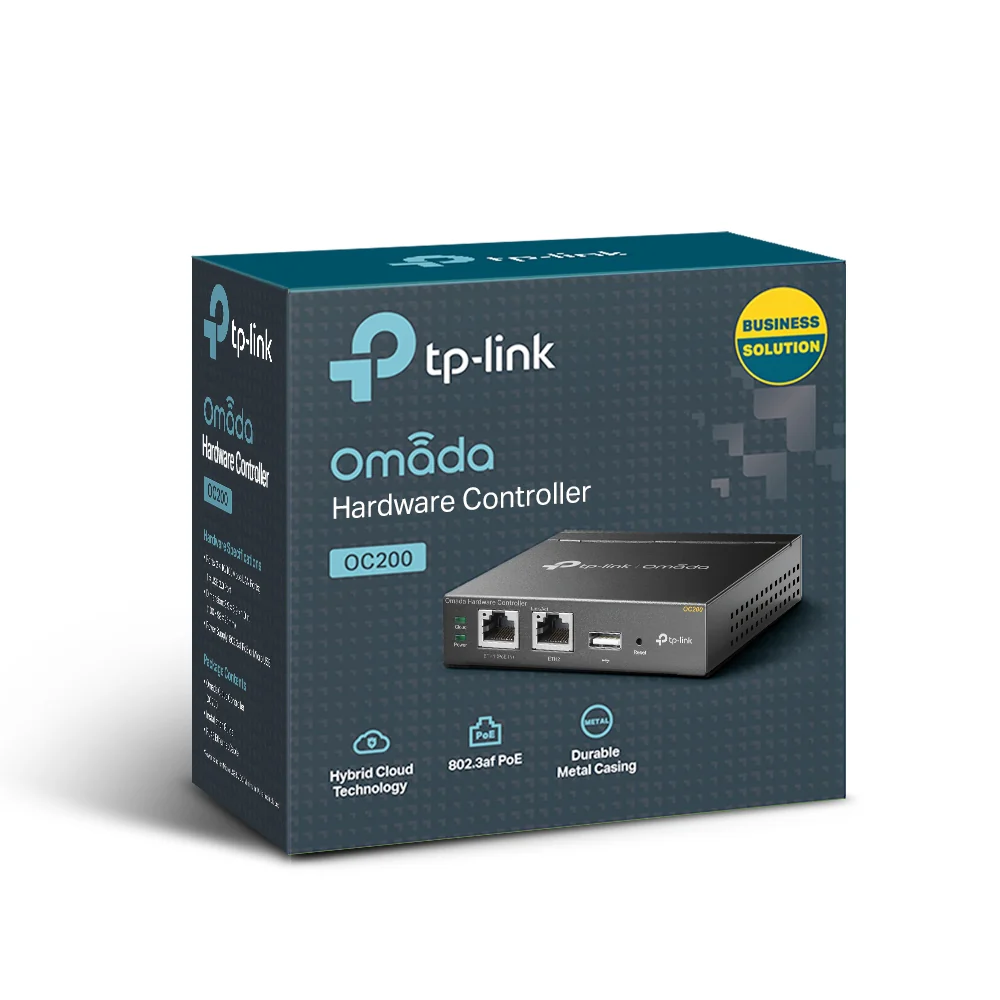
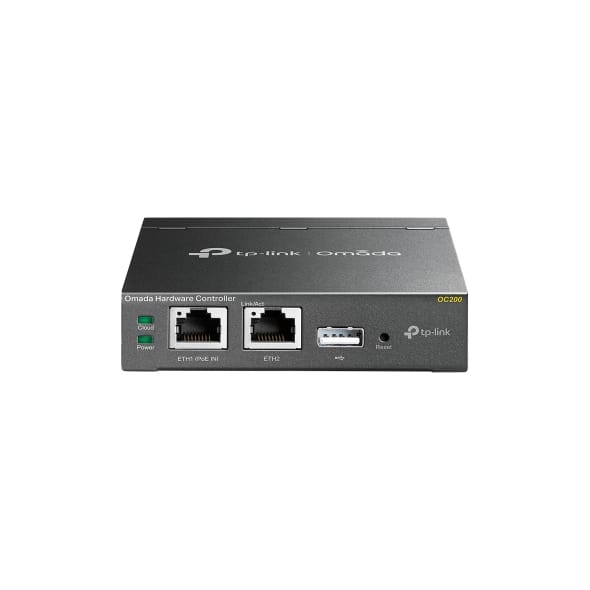
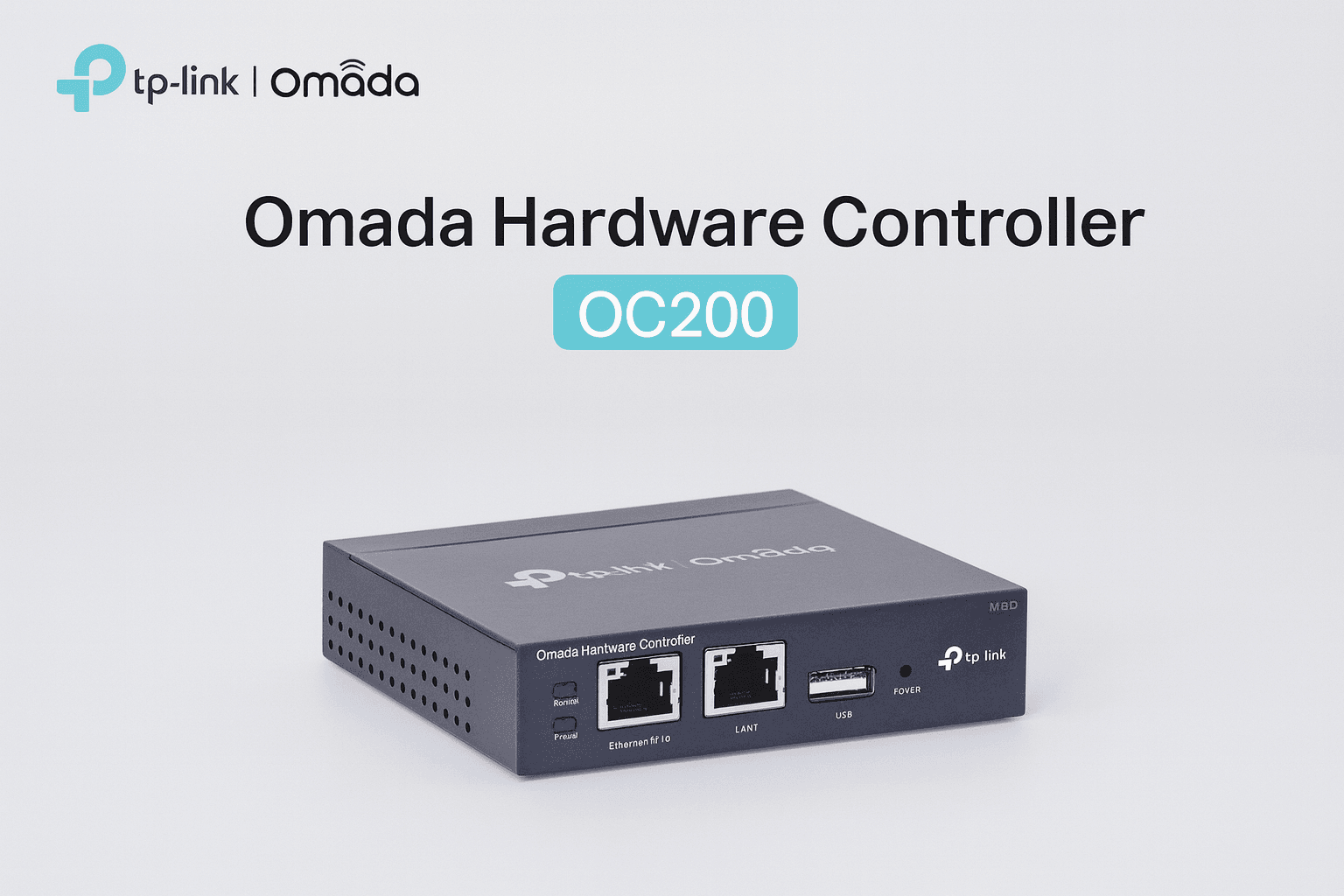
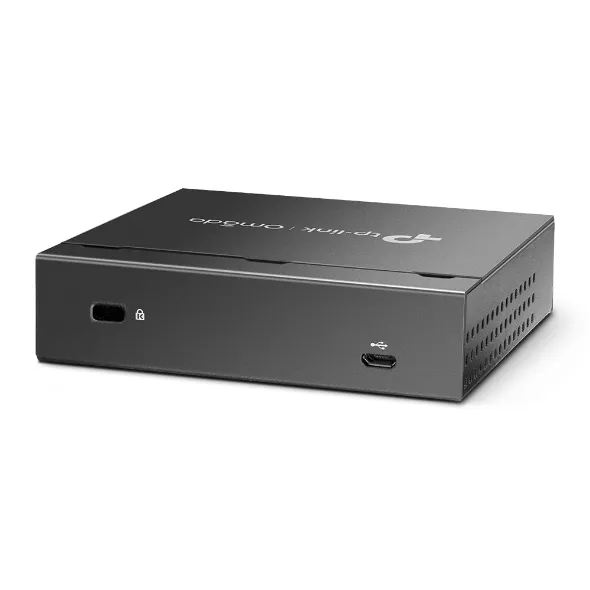
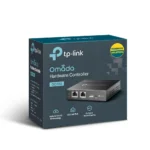
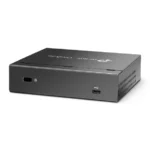
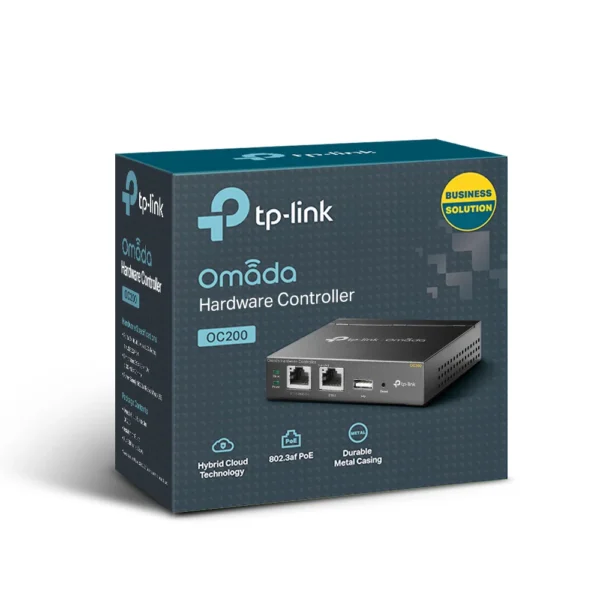
The TP-Link OC200 is a dedicated hardware controller designed to centrally manage TP-Link Omada Software Defined Networking (SDN) systems. This compact device eliminates the need for running controller software on a separate computer or server, providing reliable, 24/7 management for Omada access points, switches, and routers. For complete technical documentation and setup guides, visit the official TP-Link OC200 product page.
Centralized Management for Omada SDN Ecosystem
The OC200 hardware controller serves as the brain of your Omada SDN network, providing unified management for up to 100 Omada devices including EAP series access points, TL-SG series switches, and ER series routers. Through a single web interface or mobile app, network administrators can configure, monitor, and maintain the entire network from anywhere. This centralized approach simplifies network operations, reduces configuration errors, and ensures consistent policies across all devices. For expanding your wireless network, pair with Omada access points.
Advanced Network Features and Optimization
When managing an Omada network with the OC200, you gain access to enterprise-level features typically found in much more expensive systems. These include seamless roaming (802.11k/v/r) for uninterrupted client mobility, automatic load balancing to optimize AP utilization, band steering to direct clients to optimal frequencies, and AI-driven RF management for optimal channel and power settings. The controller also enables centralized VLAN management, guest portal customization, and advanced security policies across all connected devices.
Simplified Deployment and Scalability
The OC200 makes deploying and expanding Omada networks remarkably straightforward. New Omada devices are automatically discovered and can be adopted into the network with a single click. Configuration templates allow rapid deployment of multiple devices with identical settings, while batch firmware updates ensure all devices run the latest software simultaneously. As your network grows, the OC200 can manage up to 100 devices, making it suitable for small to medium businesses, schools, hotels, and multi-site deployments.
Flexible Power and Installation Options
The OC200 offers multiple power options for versatile installation. It supports 802.3af Power over Ethernet (PoE), allowing it to be powered through the same Ethernet cable used for data connectivity when connected to a PoE switch or injector. Alternatively, it can be powered by the included 12V/1A DC power adapter. The compact, wall-mountable design (mounting kit included) makes it ideal for installation in network closets, server rooms, or any discreet location. For reliable power delivery, consider pairing with a PoE switch.
Remote Management and Monitoring
Network administrators can manage the OC200 controller locally or remotely through TP-Link’s cloud service. The Omada Cloud service allows secure remote access to the controller from anywhere with an internet connection, enabling troubleshooting, configuration changes, and network monitoring without being on-site. Real-time monitoring provides insights into network health, client statistics, traffic analysis, and security events. For comprehensive network infrastructure, explore our hardware components.
Technical Specifications
| Category |
Specification |
| General |
|
| Model |
OC200 |
| Product Type |
Omada Hardware Controller |
| Management Capacity |
Up to 100 Omada devices |
| Supported Devices |
Omada EAPs, Switches, Routers |
| Hardware Specifications |
|
| CPU |
Dual-core 880MHz |
| Memory |
256MB DDR3 |
| Storage |
512MB NAND Flash |
| Ethernet Ports |
1 × 10/100Mbps (PoE IN/Data) |
| Console Port |
Micro-USB (for local configuration) |
| Reset Button |
Yes (factory reset) |
| Power Options |
|
| Power over Ethernet |
802.3af compliant (PoE IN) |
| DC Power Input |
12V/1A (power adapter included) |
| Power Consumption |
Max 4W |
| Network Features |
|
| Seamless Roaming |
802.11k/v/r supported |
| Load Balancing |
Yes (automatic client distribution) |
| Band Steering |
Yes (automatic band selection) |
| AI-Driven RF Management |
Yes (auto channel/power optimization) |
| VLAN Management |
Yes (centralized configuration) |
| Management Options |
|
| Local Management |
Web browser, Omada App |
| Remote Management |
Omada Cloud (free) |
| Multiple Site Management |
Yes (through Omada Cloud) |
| Physical Specifications |
|
| Dimensions |
120 × 80 × 30 mm (4.72 × 3.15 × 1.18 in) |
| Weight |
170g (0.37 lbs) |
| Mounting |
Wall mount (kit included) |
| Operating Temperature |
0°C to 40°C (32°F to 104°F) |
| Certifications |
CE, FCC, RoHS |
Package Contents
TP-Link OC200 Hardware Controller × 1
Power Adapter (12V/1A) × 1
Ethernet Cable (1.5m) × 1
Wall Mount Kit (screws, anchors) × 1 set
Quick Installation Guide × 1
Warranty Card × 1
Typical Deployment Scenarios
- Small/Medium Businesses: Centralized management for office Wi-Fi, network switches, and security
- Educational Institutions: Manage classroom and campus wireless networks with consistent policies
- Hospitality: Control guest Wi-Fi networks across multiple floors or buildings
- Retail Chains: Unified management for POS systems, customer Wi-Fi, and security cameras
- Healthcare Facilities: Secure, reliable network management for patient and administrative areas
Why Buy from Thencix?
Thencix ensures a smooth, reliable, and authentic shopping experience backed by verified specifications, secure packaging, and dedicated after-sales support.
- Authentic TP-Link products with verified specifications and warranty
- Professional packaging ensuring safe delivery of electronics
- Fast delivery across India with reliable logistics partners
- GST invoice provided for all business purchases
- Cash on Delivery available for customer convenience
- Technical configuration support via WhatsApp and email
- In-house warranty processing – we handle manufacturer claims
- Bulk order discounts for business and enterprise customers
Support:
Email: [email protected]
WhatsApp: +91 98911 50949
Frequently Asked Questions
Do I need an OC200 if I only have one Omada access point?
For a single access point, the OC200 is not necessary as individual Omada devices can be managed through their standalone web interface. The OC200 becomes valuable when managing 2 or more Omada devices, enabling centralized control and advanced features like seamless roaming. For single AP setups, consider standalone wireless solutions.
What’s the difference between OC200 and software controller?
The OC200 is a dedicated hardware appliance that runs 24/7 without requiring a separate computer. The software controller is free to download but needs to run on a Windows/Linux computer or virtual machine that must remain powered on. The OC200 offers better reliability, lower power consumption, and doesn’t tie up computer resources.
Can the OC200 manage non-Omada TP-Link devices?
No, the OC200 only manages Omada SDN compatible devices (EAP series access points, Omada switches, and ER series routers). Traditional TP-Link routers and switches without Omada compatibility cannot be managed through the OC200. For a complete managed network setup, ensure all devices are Omada compatible.
Is Omada Cloud service free?
Yes, TP-Link offers free Omada Cloud service for remote management of your OC200 controller. This allows you to access and manage your network from anywhere with an internet connection without additional subscription fees. Some advanced cloud features may require a subscription in the future, but basic remote management remains free.
Can I use multiple OC200 controllers for different locations?
Yes, you can deploy OC200 controllers at multiple sites and manage them all through a single Omada Cloud account. This provides centralized visibility and management for distributed networks while maintaining local controller reliability at each site. Each OC200 can manage up to 100 devices at its location.
What’s the warranty on TP-Link OC200?
TP-Link provides a 3-year manufacturer warranty for the OC200. Thencix offers complete warranty support—contact us with your invoice, and we’ll manage the entire warranty process including replacements if necessary.
 Skip to navigation
Skip to main content
Skip to navigation
Skip to main content






 Free Delivery










Reviews
Clear filtersThere are no reviews yet.