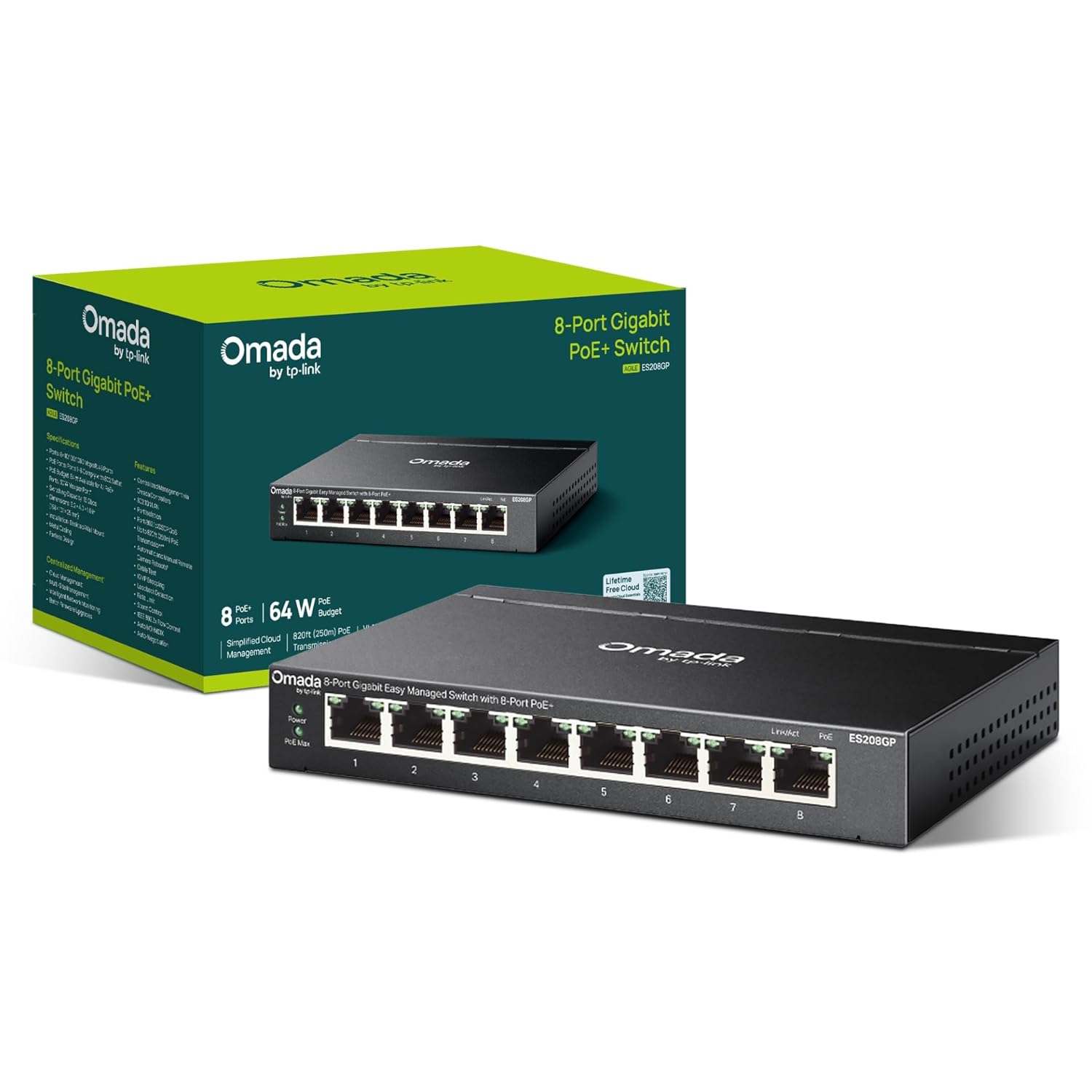
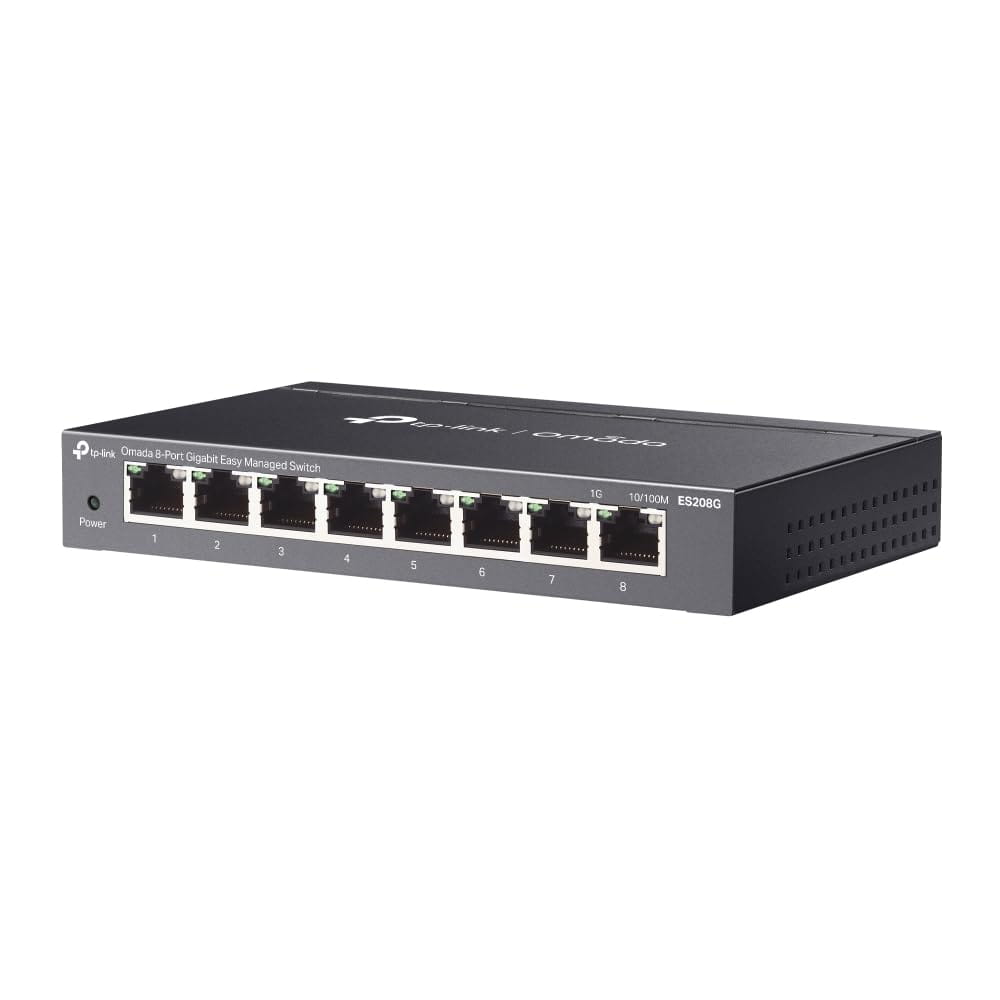
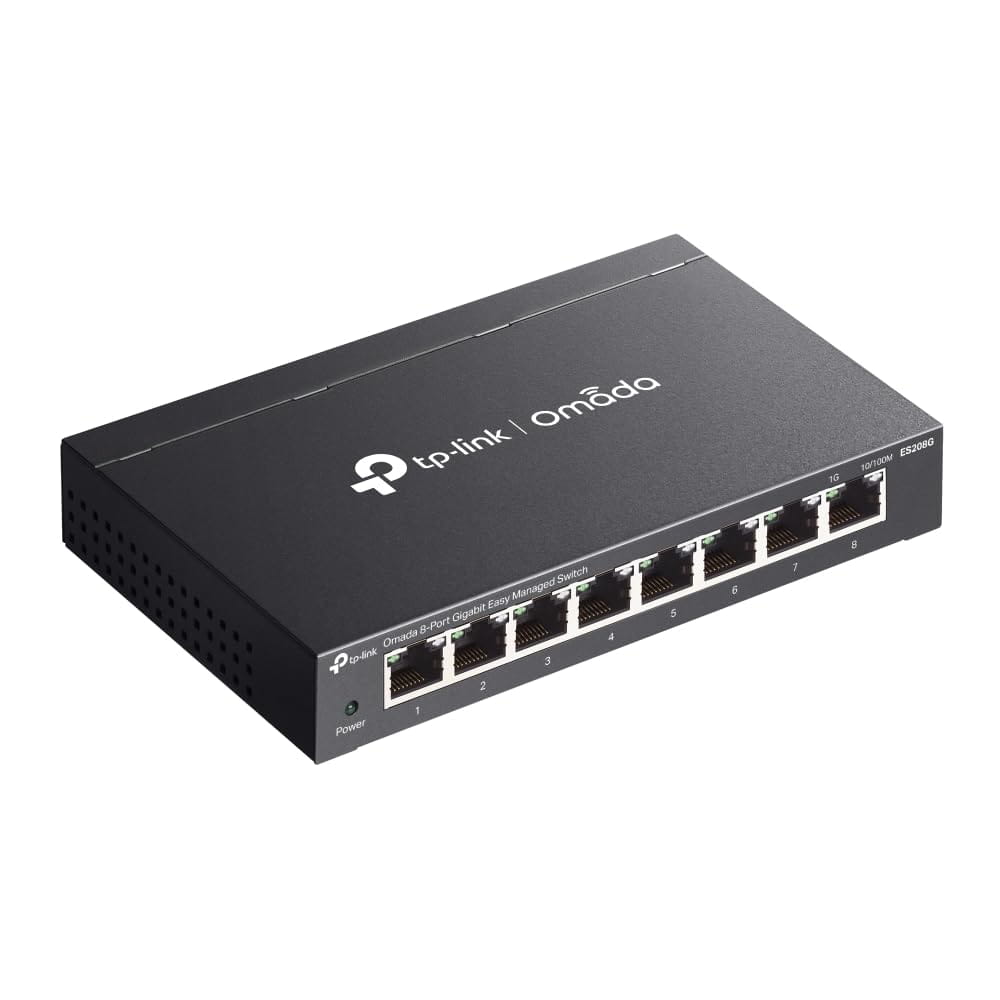
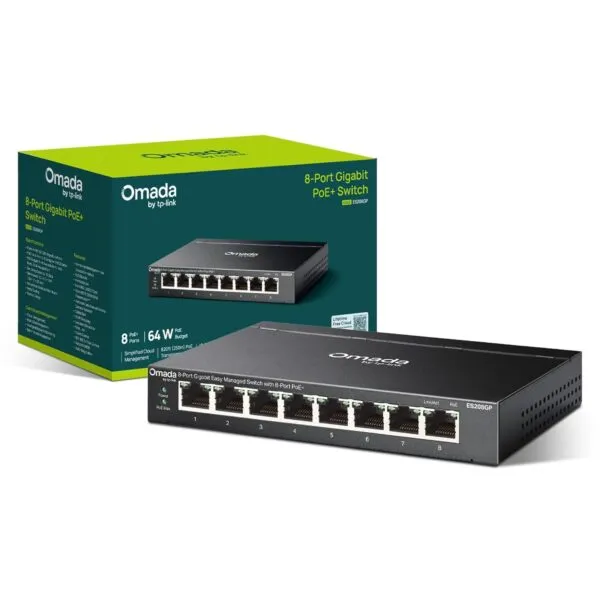
Businesses and home offices searching for TP-Link ES208G price India options will find this Omada 8-port gigabit easy managed switch delivers enterprise-grade Layer 2 features in a compact fanless metal chassis ideal for Delhi NCR workspaces, small retail stores, and CCTV surveillance networks. With eight auto-negotiating 10/100/1000 Mbps RJ45 ports, 16 Gbps switching capacity, and 11.9 Mpps packet forwarding rate, the ES208G handles high-bandwidth traffic from desktops, IP cameras, and NAS devices without bottlenecking. If you need a fanless gigabit switch with cloud management for your Nehru Place office, Gurgaon co-working space, or Noida surveillance setup, the TP-Link ES208G offers silent operation and GST invoice from Thencix.
Most small offices in India face the same networking headache: unmanaged switches are too dumb, and full-managed switches are overkill. The ES208G sits right in the middle. It is an easy managed switch, which means you get the features that actually matter — VLANs, QoS, remote cloud management — without needing a CCNA certificate to set them up.
Everything runs through a clean web interface and the free Omada Cloud Essentials app. No subscriptions. No command lines. A shop owner in Karol Bagh can separate his billing PC from guest Wi-Fi in five minutes. A freelancer in Dwarka can monitor his switch from a phone app while sitting at a client site. It just works.
The best part? It makes zero noise. No fan, no hum, no dust buildup. At 0 dBA, you can keep it on your desk, behind your monitor, or inside a wall cabinet in a South Delhi clinic without anyone noticing it is there. The metal body runs cool enough on its own — no moving parts to fail during a July heatwave.
All eight ports are gigabit with auto MDI/MDIX, so you never hunt for crossover cables. Plug in your Jio Fiber router, your desktop, a couple of IP cameras, a NAS for Tally backups, and still have spare ports for expansion. Each device talks at its own best speed automatically.
And because this is India, TP-Link added 6 kV surge protection on every port. That is not a gimmick — it is hardware-level protection against the voltage spikes that kill ordinary switches during monsoon thunderstorms, generator switching, and the daily grid fluctuations every Gurgaon office knows too well.
Omada Cloud Essentials and Centralized Management for Indian Networks
Omada Cloud Essentials is a free cloud-based controller that requires no hardware appliance and no subscription fees. Log in with a TP-Link ID, add the ES208G to the cloud controller, and manage the switch from any web browser or the Omada mobile app. This is transformative for Indian small businesses with limited IT staff. A retailer with three stores in Lajpat Nagar, Rajouri Garden, and Dwarka can monitor port status, reboot devices, and push firmware updates to all three locations from a single phone screen.
Zero-Touch Provisioning (ZTP) allows pre-configuration before the switch even arrives on site. A system integrator in Nehru Place can set up VLANs and QoS rules in the cloud, ship the switch to a client in Jaipur, and the device downloads its configuration automatically upon first internet connection. This eliminates costly site visits for basic setup, a significant cost saving for MSPs serving tier-2 and tier-3 cities.
The management interface provides real-time traffic statistics per port, cable diagnostics that detect faulty Ethernet runs without a separate tester, and firmware update scheduling during off-peak hours. For surveillance networks, port isolation prevents IP cameras from communicating with each other, reducing the attack surface if one camera is compromised. This security feature is increasingly important as CCTV networks become targets for ransomware and botnet infiltration.
Layer 2 Features for Traffic Segmentation and Quality of Service
VLAN support includes MTU VLAN, port-based VLAN, and 802.1Q tag VLAN with up to 32 VLAN groups and 4K VID range. Practical applications for Indian businesses include separating POS terminals from guest Wi-Fi in a Connaught Place cafe, isolating HR payroll systems from general office traffic in a Noida IT park, and creating a dedicated VLAN for IP cameras that prevents surveillance footage from traversing the general data network.
Quality of Service uses 802.1p DSCP priority with eight priority queues and weighted round-robin scheduling. In a Delhi NCR real estate office running VoIP phones, video conferencing, and file sharing on the same switch, QoS ensures that Zoom calls and IP-PBX voice traffic receive priority over large file transfers. Without QoS, a single employee uploading a 2 GB AutoCAD file to Google Drive can degrade call quality for the entire sales team.
IGMP snooping v1/v2/v3 with fast leave optimizes multicast traffic for IPTV deployments and video surveillance systems that use multicast streaming. In apartment complexes across Gurgaon and Noida where multiple flats share a single internet connection, IGMP snooping prevents multicast floods from degrading performance for non-video users.
Link aggregation supports up to two aggregation groups with up to four ports per group, providing 2 Gbps or 4 Gbps trunk links between switches or to a NAS device. A photography studio in Hauz Khas with a Synology NAS for raw image storage can bond two ports for doubled throughput during batch imports. Loopback detection and automatic loop prevention protect the network from broadcast storms caused by accidental cable loops — a common mistake when non-technical staff rearrange office layouts.
Key Features
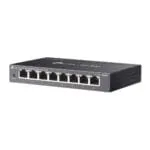
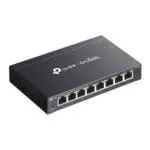
- 8× Gigabit RJ45 ports with auto-negotiation and auto MDI/MDIX supporting 10/100/1000 Mbps speeds, 16 Gbps switching capacity, and 11.9 Mpps packet forwarding rate for wire-speed performance
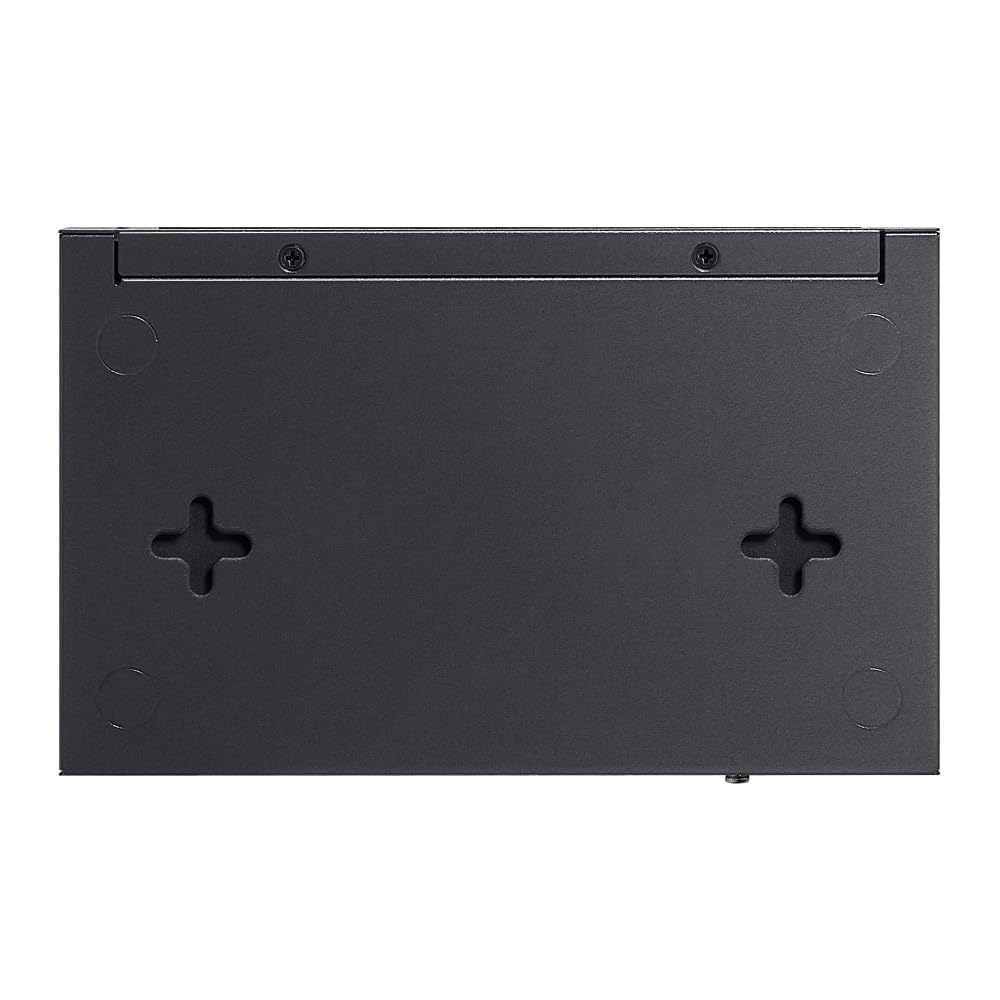
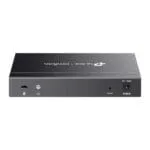
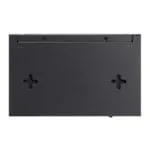
- Fanless metal chassis with silent 0 dBA operation and compact 158 × 100.7 × 25.4 mm desktop or wall-mount design suitable for noise-sensitive offices and home workspaces
- Free Omada Cloud Essentials centralized management with Zero-Touch Provisioning, mobile app control, and multi-site monitoring without hardware controller or subscription costs
- Layer 2 features including VLAN, QoS, IGMP snooping, port isolation, and loop prevention for traffic segmentation, video prioritization, and network security in mixed-use environments
- 6 kV surge protection and durable metal casing built to withstand Indian power fluctuations, monsoon electrical storms, and continuous operation in unconditioned spaces
Technical Specifications
| Specification |
Detail |
| Product Type |
Omada 8-Port Gigabit Easy Managed Switch |
| Model |
ES208G |
| Interface |
8 × 10/100/1000 Mbps RJ45 Ports, Auto-Negotiation, Auto MDI/MDIX |
| Switching Capacity |
16 Gbps |
| Packet Forwarding Rate |
11.9 Mpps |
| MAC Address Table |
8 K |
| Packet Buffer Memory |
4 Mbit |
| Jumbo Frame |
15 KB |
| Transmission Method |
Store and Forward |
| Surge Protection |
6 kV |
| Fan Quantity |
Fanless |
| Installation |
Desktop, Wall Mount |
| Physical Security Lock |
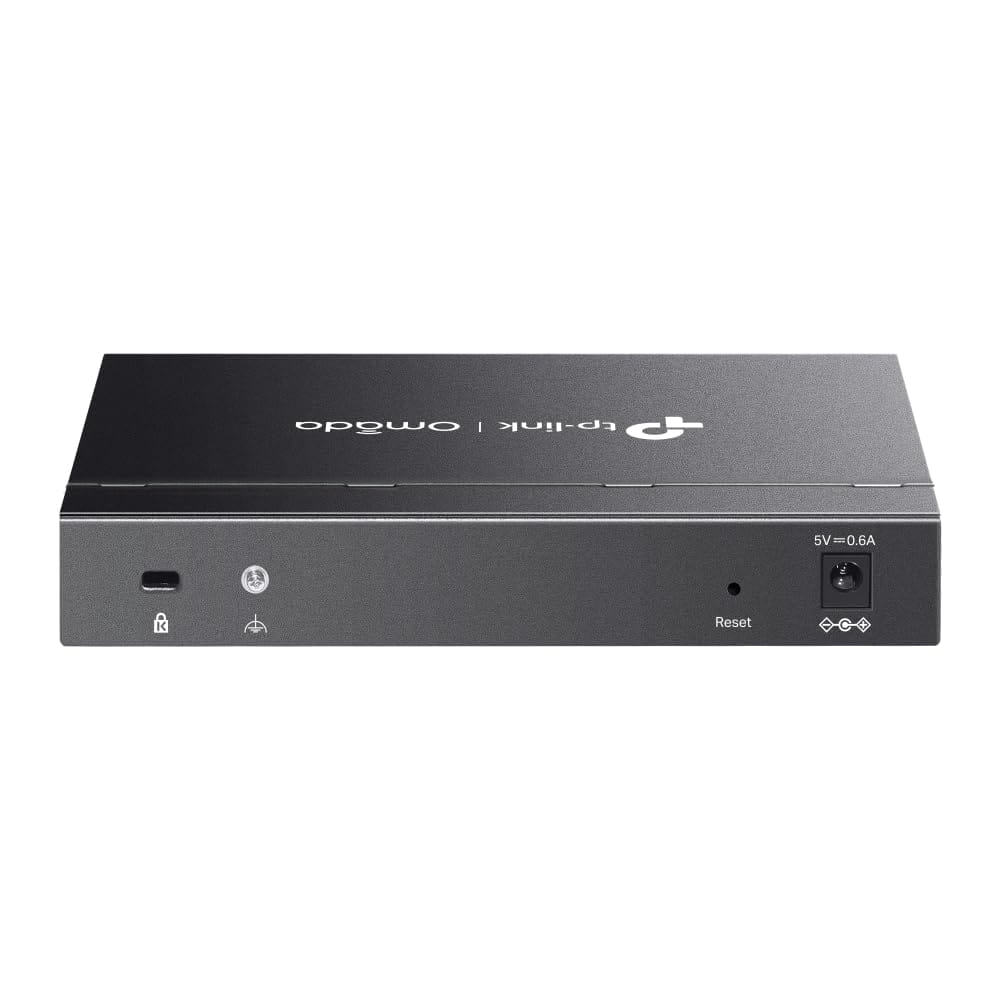
Kensington lock slot |
| Power Supply |
External power adapter (included) |
| Dimensions (W × D × H) |
158 × 100.7 × 25.4 mm |
| QoS |
802.1p DSCP Priority, 8 Priority Queues, WRR, Port-Based Rate Limit, Storm Control (Broadcast/Multicast/Unknown-Unicast) |
| VLAN |
MTU VLAN, Port-Based VLAN, 802.1Q Tag VLAN, Max 32 VLAN Groups, 4K VID |
| L2 Multicast |
IGMP Snooping v1/v2/v3, Fast Leave |
| Link Aggregation |
Up to 2 aggregation groups, up to 4 ports per group |
| Management |
Web-based GUI, Omada Cloud Essentials, Omada App, DHCP Client, Cable Diagnostics |
| Operating Temperature |
0°C to 40°C |
| Storage Temperature |
-40°C to 70°C |
| Operating Humidity |
10% to 90% RH (non-condensing) |
| Storage Humidity |
5% to 90% RH (non-condensing) |
| Certification |
CE, FCC, RoHS |
Package Contents
- TP-Link ES208G switch unit
- External power adapter
- Power cord
- Installation guide
- Rubber feet
- Wall-mount screws and anchors
NOT INCLUDED: Ethernet cables (Cat 5e/Cat 6), rack-mount kit, SFP modules, console cable, network management PC, UPS. Cross-sell available: Cat 6 patch cables (1m/2m/5m), 4U wall-mount rack, gigabit PoE switch for IP camera deployments, desktop UPS for power protection.
Ideal Use Cases for Indian Buyers
1. Small Office and Home Office Networks in Delhi NCR
Deploy on a desk or mount behind a workstation in Lajpat Nagar, Dwarka, or Noida Extension home offices. The fanless operation keeps conference calls and video recordings free of background fan noise. Eight gigabit ports connect a Jio Fiber or Airtel Xstream router, a desktop PC, a laptop dock, a network printer, a NAS for Tally backups, and three spare ports for future expansion. VLANs separate work traffic from smart home devices, preventing IoT gadgets from accessing sensitive financial data. The compact size fits inside standard TV console cabinets where ISPs typically install routers.
2. Retail Store and Showroom POS Networks in Karol Bagh and Chandni Chowk
Install behind the billing counter of clothing stores, electronics shops, and jewelry showrooms across Old and New Delhi. One port connects the main router to the internet, two ports run to POS billing machines running Tally or Marg software, one port connects a CCTV NVR for local recording, two ports link IP cameras at the entrance and cash counter, and two ports provide guest Wi-Fi access through a separate VLAN. Port isolation ensures that a compromised guest device cannot access the POS system or camera feeds. The metal casing withstands the dusty, warm conditions typical of ground-floor retail spaces without air conditioning.
3. CCTV Surveillance Networks for Homes and Small Businesses
Use as the backbone switch for 4 to 8 camera IP surveillance systems in Gurgaon apartments, Faridabad factories, and Ghaziabad warehouses. Connect the NVR to one port, up to seven IP cameras to remaining ports, and uplink to the router for remote viewing. IGMP snooping optimizes multicast camera streams, while QoS prioritizes video traffic over general internet browsing. The 6 kV surge protection guards against monsoon lightning strikes that commonly damage networking equipment in rooftop and outdoor camera installations. For larger deployments requiring PoE, pair with a TP-Link PoE switch to power cameras directly over Ethernet.
4. Co-Working Spaces and Shared Office Hubs in Nehru Place and Connaught Place
Deploy one ES208G per cabin or hot-desk cluster in shared workspaces where multiple companies share infrastructure. Each tenant gets dedicated VLAN isolation preventing cross-network file browsing and printer discovery. The fanless design maintains the quiet atmosphere that co-working members pay premium rates for. Omada Cloud Essentials lets the facility manager monitor all switches across multiple floors from a single dashboard, reboot unresponsive ports remotely, and schedule firmware updates during Sunday nights when the space is empty. The Kensington lock slot deters theft in semi-public areas.
Why Buy from Thencix
- Genuine TP-Link India stock with valid serial number and regional warranty
- GST invoice for every order — claim input tax credit on networking infrastructure
- Cash on Delivery across Delhi, Noida, Gurgaon, Faridabad
- Express same-day dispatch for Delhi NCR; pan-India shipping
- Pre-sales network design guidance — we recommend switch placement, VLAN planning, and cable routing
- Post-sales Omada cloud setup, VLAN configuration, and firmware update assistance
Need a bulk quote for 10+ switches across multiple branch offices? WhatsApp us on +91 9891150949 for project pricing and GST documentation. Visit our Nehru Place store for live demo of Omada Cloud Essentials management interface.
TP-Link ES208G Price India and Frequently Asked Questions
Key differences between TP-Link ES208G and unmanaged gigabit switches
Unmanaged switches like the TP-Link TL-SG1008D provide basic plug-and-play connectivity with no configuration options. The ES208G adds Layer 2 management features including VLAN segmentation, QoS traffic prioritization, IGMP snooping for multicast optimization, port isolation for security, loop prevention, and cloud-based remote management through Omada Cloud Essentials. For home users with only one or two devices, an unmanaged switch suffices. For offices, retail stores, and surveillance networks where traffic separation and remote monitoring matter, the ES208G justifies its modest price premium through reduced downtime and improved security.
VLAN configuration and network segmentation capabilities on the ES208G
The ES208G supports three VLAN modes: MTU VLAN for isolating each port into its own network, port-based VLAN for grouping ports into logical segments, and 802.1Q tag VLAN for trunking multiple VLANs across a single uplink port to a router or another managed switch. Up to 32 VLAN groups can be created with 4K VID range. A typical Delhi NCR office might configure VLAN 10 for management, VLAN 20 for employees, VLAN 30 for guest Wi-Fi, and VLAN 40 for IP cameras. The web interface provides a visual VLAN matrix for drag-and-drop port assignment without command-line knowledge.
Omada Cloud Essentials setup and remote management process
Create a free TP-Link ID at tplinkcloud.com, log into Omada Cloud Essentials, and click Add Device. The ES208G can be adopted via cloud discovery if it has internet access, or manually by entering its IP address. Once adopted, the cloud dashboard displays real-time port status, traffic graphs, and connected device lists. Firmware updates, configuration backups, and VLAN changes can be pushed remotely from the Omada app on Android or iOS. No hardware controller, software installation, or subscription is required. The cloud controller is hosted on TP-Link servers with HTTPS encryption.
Surge protection rating and power reliability for Indian conditions
The ES208G carries 6 kV surge protection on all Ethernet ports, which exceeds the 2 kV to 4 kV protection found on typical consumer switches. This rating is tested to IEC 61000-4-5 standards and protects against voltage transients caused by lightning-induced surges on long cable runs, generator switching transients in industrial areas, and grid instability during peak summer demand in Delhi NCR. While surge protection improves reliability, we still recommend pairing the switch with a desktop UPS for complete power protection during outages.
Warranty coverage and support process for TP-Link ES208G in India
TP-Link India provides warranty coverage based on product category. The ES208G falls under the Omada easy managed switch line. Per TP-Link India warranty policy, SMB products carry a 3-year warranty from invoice date. The warranty covers manufacturing defects in material and workmanship for the main device and power adapter. Physical damage, power surges beyond rated protection, and unauthorized modifications are excluded. Claims require the original GST invoice and intact serial number. Contact TP-Link India toll-free at 1800-209-4168 or WhatsApp at 8104939250 for RMA initiation. Thencix supplies genuine India-region stock with valid warranty — gray-market imports may not qualify for local service.
 Skip to navigation
Skip to main content
Skip to navigation
Skip to main content





 Free Delivery











Reviews
Clear filtersThere are no reviews yet.